Introduction
FanDraft is the first-ever digital fantasy football draft board. First launched in 2001, FanDraft was designed to enhance live/in-person fantasy football drafts by creating an experience similar to the actual NFL draft. As a digital replacement for the physical "paper" draft boards leagues once used, FanDraft provides a robust set of tools and features that take any league's fantasy football draft to the next level.
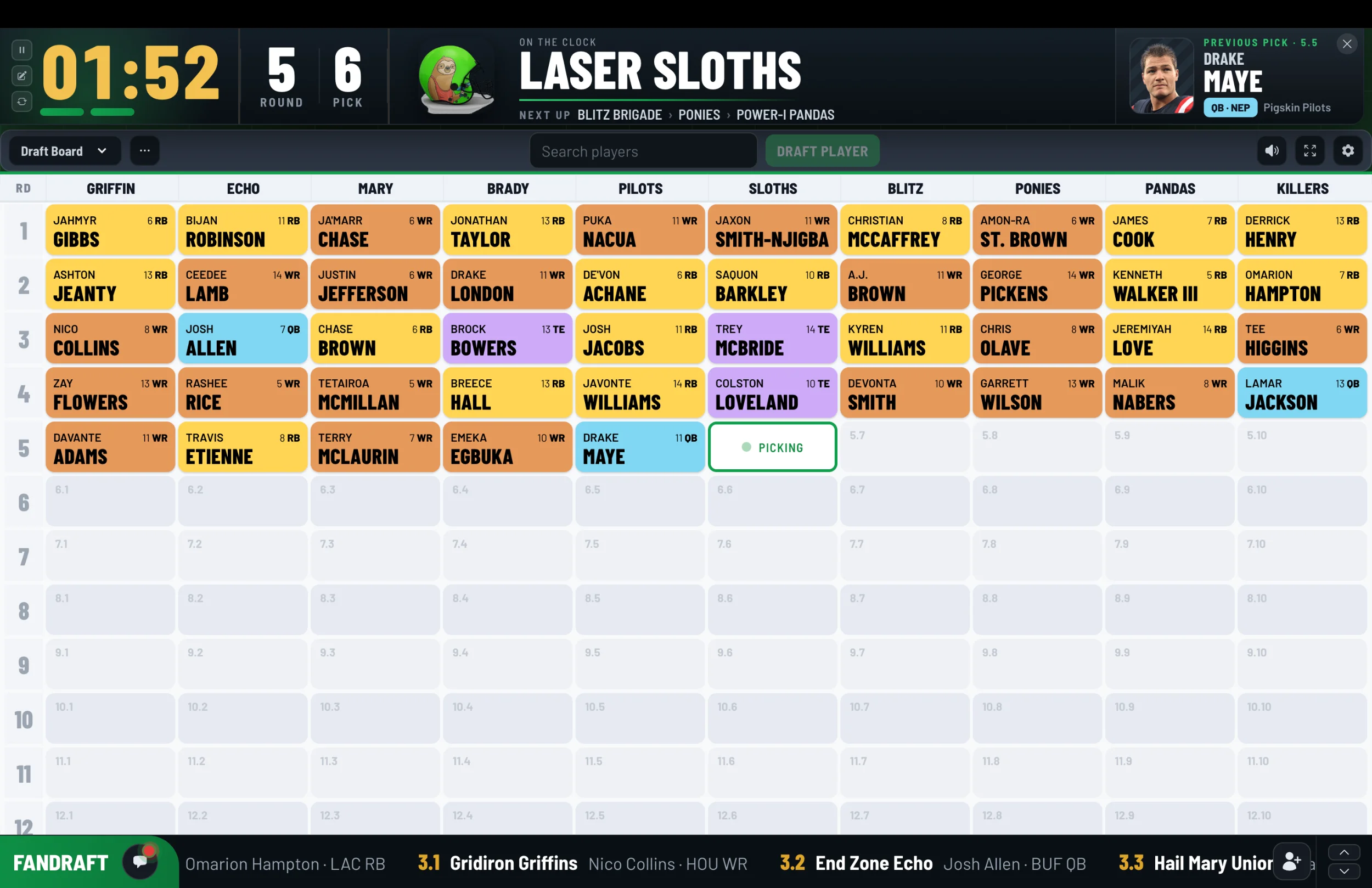
Perfect for in-person fantasy draft parties or online fantasy football drafts. Simply log in to FanDraft Online, select "Create a new league", walk through the league setup process, and get your draft started. You can export the display to a TV or digital projector for your whole league to enjoy, or you and your fellow owners can participate remotely from your laptop or tablet devices.
FanDraft is now available for fantasy football, baseball, basketball, and hockey.
Some of FanDraft's features include:
- Multiple draft board displays
- A streaming draft ticker
- Draft clock
- Team logos and walk-up songs
- and much more...
Ways to Use FanDraft
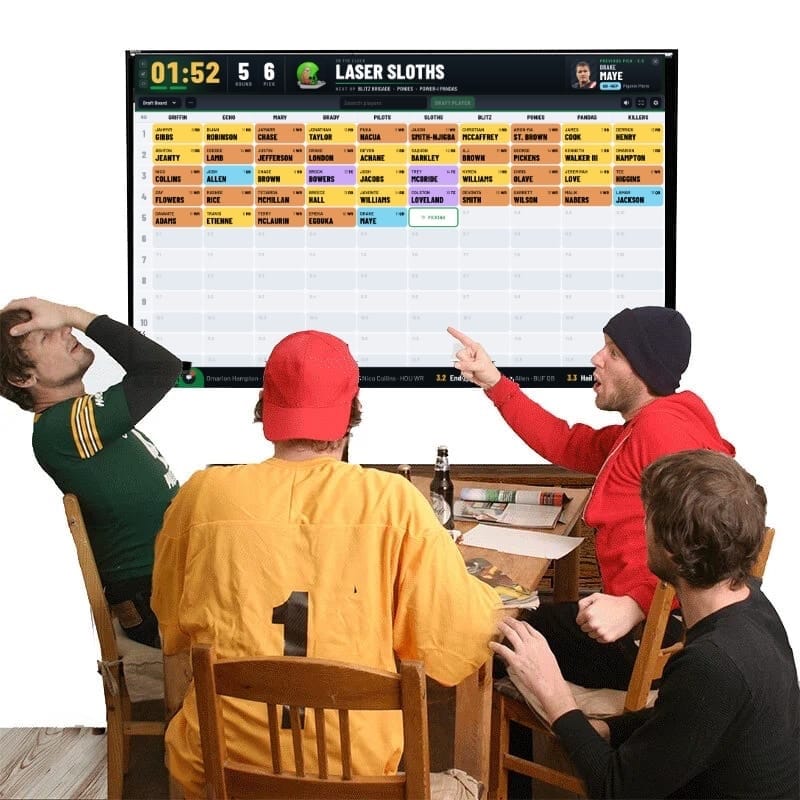
- In-Person/Live Draft Party: FanDraft is best experienced by projecting onto a large television or via a digital projector for your entire league to enjoy. The commissioner can have total control of all of the picks and actions that take place, and the entire league can sit back and soak up the experience. While in Commish Mode, remote users still have the ability to make their own picks; the commissioner simply has the option to make picks on behalf of teams if they so choose.
- Mixed In-Person/Remote Draft: Export the commissioner's display to a large screen for the league to enjoy, and allow owners unable to attend the draft to be "invited" to draft remotely.
- Fully Online Draft: Set up and invite all of the owners to draft remotely, for a fully online draft experience.
Want to learn how to invite owners to draft remotely?
Documentation Sections
- Getting Started: Learn what FanDraft can do, what you need, and how to start your first league.
- League Setup: Configure leagues, teams, settings, draft orders, keepers, pick trades, reports, and integrations.
- The Draft: Run regular and auction drafts, use commissioner controls, practice with mock drafts, and manage player queues.
- After the Draft: Review draft completion, reports, and ways to share results.