Copy Settings from Prior Year
If you used FanDraft for one or more of your leagues last year, and want to copy the settings into a current-year version of that league, we created a tool to expedite that process.
From your FanDraft Dashboard:
- Find your prior year league, and click on it to enter it.
- Once you have entered this prior year league, click the COPY LEAGUE button.
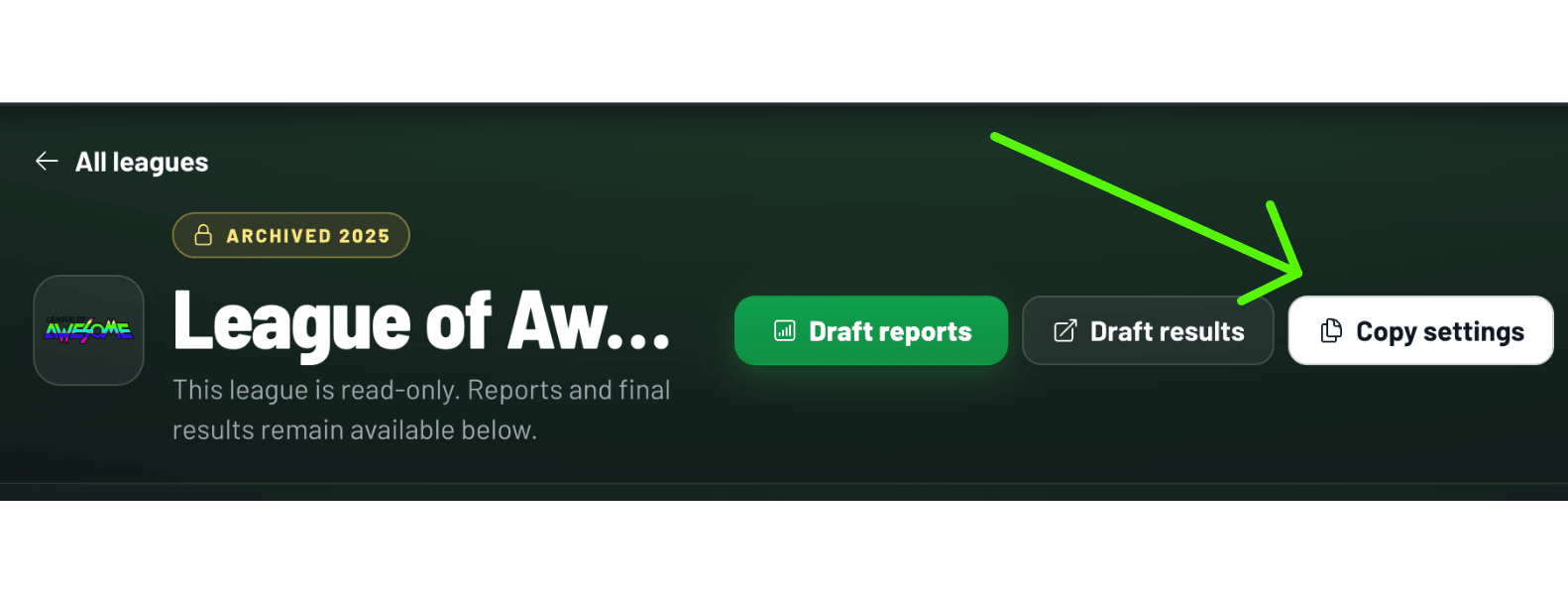
Once completed, you will then see the league in the current season's Dashboard.
If you do NOT see the "Copy League" button, it is for one of these 2 reasons:
- You did not complete a draft with this league the prior year (requirement)
- You are not the Admin user who purchased FanDraft (requirement)
"You are limited to having 1 league. If you would like up to 5 leagues, upgrade to a Pro Plus account."
If you get the message above, it's likely because you initially created the league, so you will have to delete that league. Copying a league creates a new league based on a copy of the archived one. So if you are only allowed one league based on your account type, you must first delete any other leagues you created.