Delete a League
If you want to delete a league that you accidentally created, you can do so from the main dashboard (where your leagues are listed).
Click the DELETE button next to the league you would like to delete.
This will open the drop-down, from which you can select "Delete league".
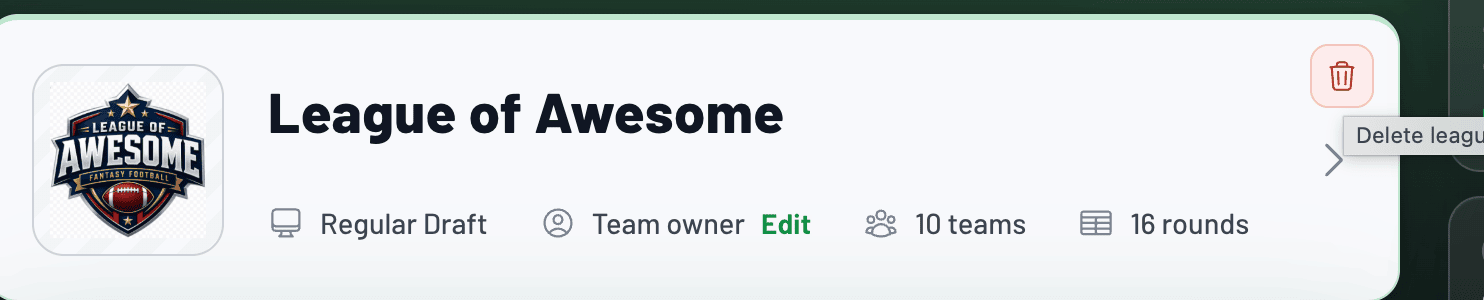
You will be prompted with a confirmation page to finalize the deletion of a league.
warning
Warning: Once a league is deleted, it is not recoverable.