Draft Order / Nomination Order
This area is where you will set your league's Official Draft Order (Regular Style Draft) or Auction Nomination order (Auction style drafts).
Draft Order
You cannot proceed to fully set up your draft until you finalize your draft order. If you simply want to set up a league for testing purposes, you can always go back and change this. However, once this is set for your official draft, it should not be changed mid-draft.
Changing the Order
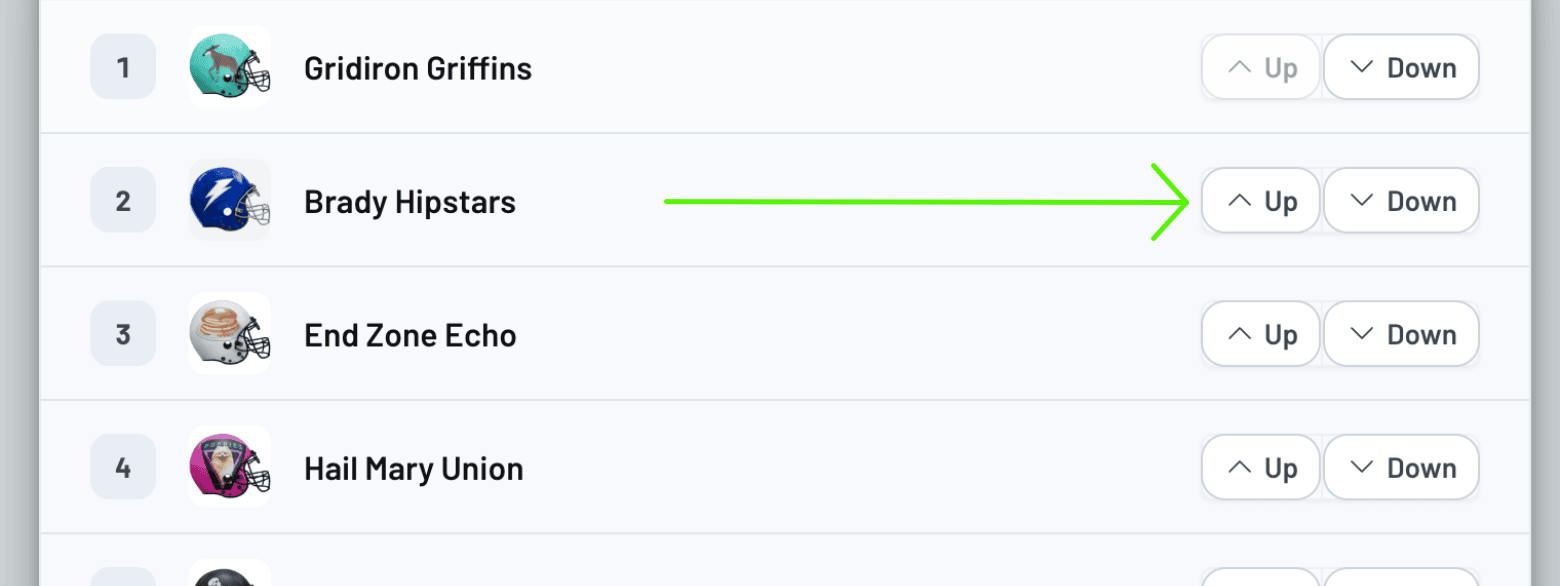
You can change your order by simply clicking the UP/DOWN buttons next to a team:
Finalize Draft Order/Nomination Order
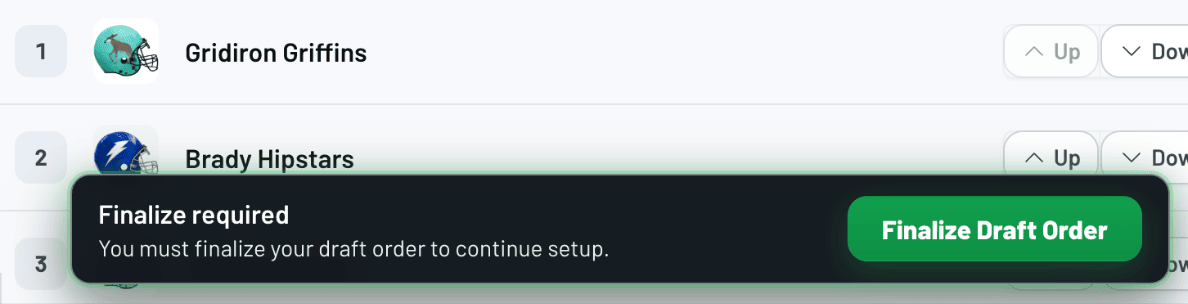
Once you have completed setting up your order, click on the "FINALIZE DRAFT ORDER" button, which will save your changes. If you are in a "Regular Style" draft, once you click the save button you will be allowed to edit Individual/Traded Picks for every round in your draft order, and add "Keepers" if you use them.
Unlock Draft Order

If you accidentally set an incorrect draft order and finalized it, you can undo this by utilizing the "Unlock Draft Order" button. This button is accessible from the "Draft Order" tab (after a Draft Order has been "Finalized").
IMPORTANT: Use "Unlock Draft Order" with caution, as it will reset your draft, traded picks, and "In Lieu of" Keepers.